1. Flickering or Unstable Dimming
This is the most common early warning sign. Lights that used to dim smoothly now flicker, strobe, or jump between brightness levels. You might notice it in one room first, then see it spread to others over time.
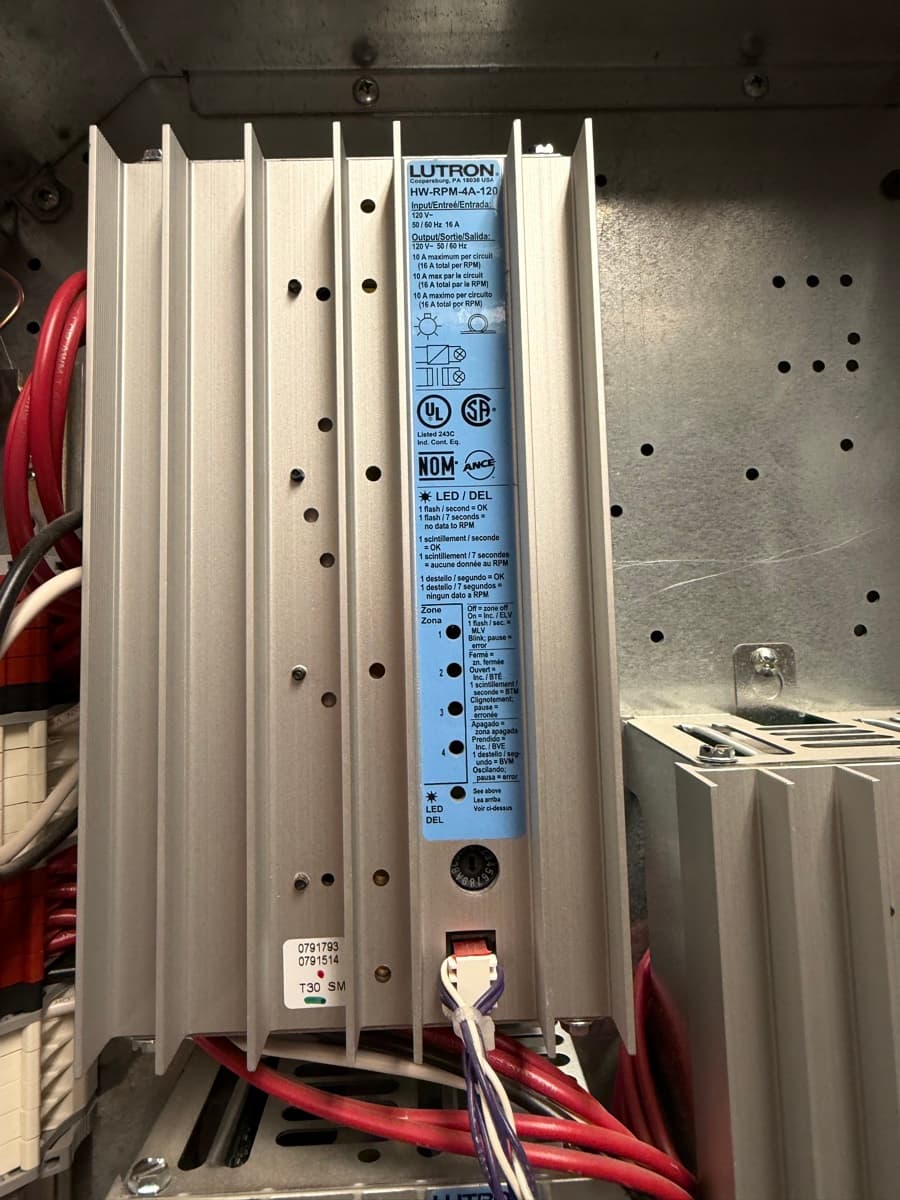
What is actually happening: Lutron dimming modules use solid-state components — typically triacs or transistors — to regulate power to each lighting circuit. After 10-15 years of continuous operation, these components degrade. The dimming curve becomes erratic because the module can no longer hold a stable output at intermediate levels.
This is not a bulb problem. If you have already swapped bulbs and the flickering persists, the dimming module itself is failing. On HomeWorks Illumination systems, these modules are proprietary and no longer manufactured. On older RadioRA 2 installations, replacement dimmers are still available but the behavior often indicates broader system age.
The other possibility: LED retrofits. If you replaced incandescent bulbs with LEDs but never updated the dimming module type, the module may be incompatible. Lutron forward-phase dimmers are designed for magnetic loads. LEDs require reverse-phase (ELV) dimming. Mismatched dimming causes visible flicker, especially at low levels.
2. Keypads That Stop Responding
You press a button on your keypad and nothing happens. Or the LED indicators on the keypad are dark. Or you press one scene and a completely different scene activates. These are all signs of a communication breakdown between the keypad and the processor.
Lutron keypads communicate with the central processor over a low-voltage data bus. On HomeWorks Illumination systems, this is a proprietary serial protocol running over twisted-pair wiring. When the processor starts losing its ability to poll devices on the bus — due to aging capacitors, memory corruption, or power supply degradation — keypads begin to drop off.
It typically starts intermittently. A keypad works in the morning but not at night. A second-floor keypad fails while the first floor works fine. This pattern indicates the processor is struggling with bus load — it can no longer communicate with all devices simultaneously.
On RadioRA 2 systems, unresponsive keypads can also indicate a failing main repeater. The repeater is the brain of RadioRA 2, and its internal radio module degrades over time, reducing communication range to wireless devices.
3. Scenes Changing on Their Own
You walk into a room and the lights are at a completely unexpected level. Or you set a scene and it reverts to something else within minutes. Or scenes activate at random times with no schedule to explain them.
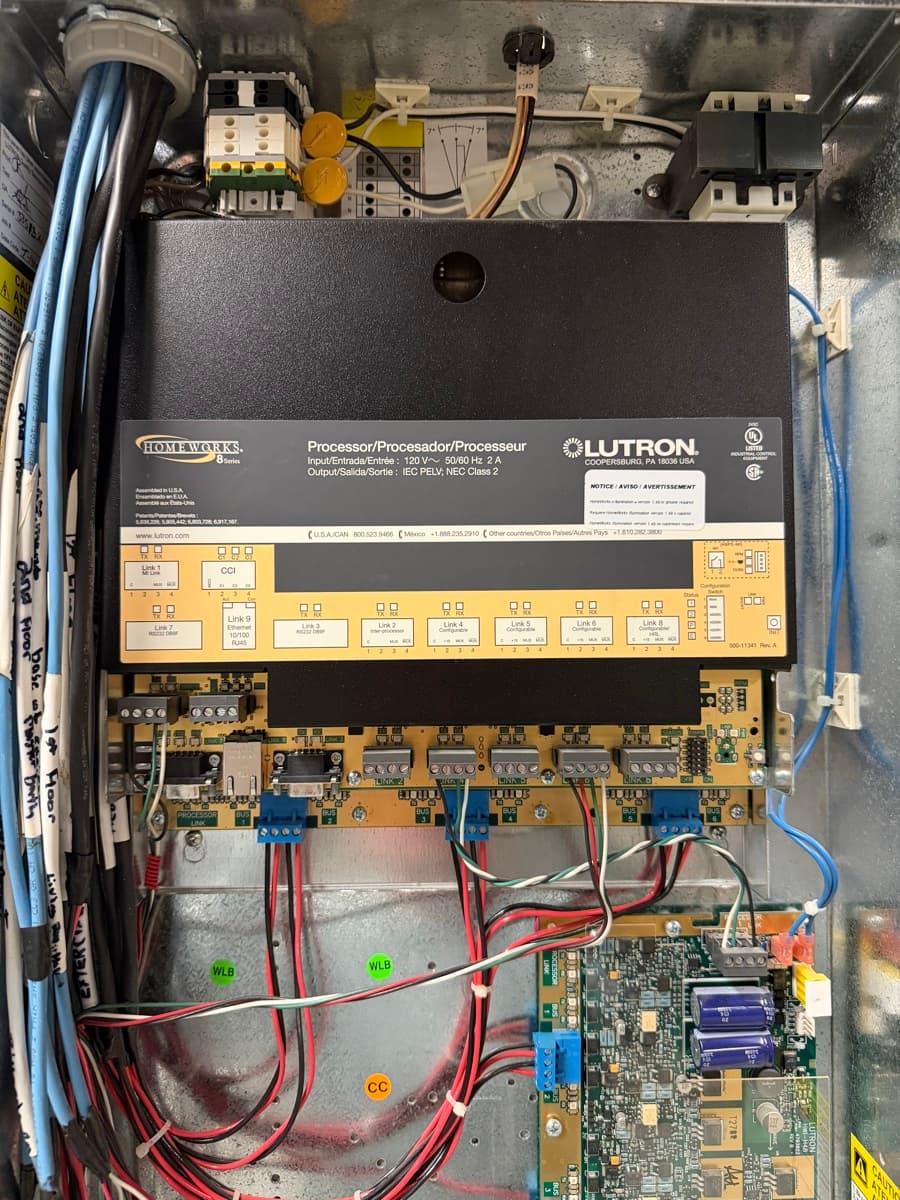
This is a classic symptom of processor memory corruption. HomeWorks Illumination processors store all programming — scenes, schedules, timeclock events, conditional logic — in onboard flash memory. When that memory starts to degrade, stored data becomes unreliable. The processor reads corrupted scene data and executes whatever it finds.
Another cause: clock drift. The internal real-time clock on older Lutron processors does not sync to an external time source. After years of operation, the clock can drift by minutes or even hours. Scheduled events fire at the wrong time, which looks like random behavior to the homeowner.
In either case, the root cause is hardware age. Reprogramming the processor may temporarily mask the symptoms, but the underlying memory and clock issues will continue to worsen.
4. Processor Reboots and System Lockups
The entire system goes dark for a few seconds, then comes back on at full brightness. Or every light in the house turns on simultaneously. Or the system becomes completely unresponsive and only recovers after a manual power cycle at the electrical panel.
This is the most serious symptom on this list. It means the central processor is crashing and restarting. On HomeWorks Illumination, the processor is a single point of failure — when it reboots, every light and shade in the house loses its current state and reverts to a default.
Common causes include power supply capacitor failure, thermal stress from years of continuous operation, and firmware-level bugs that were never patched because Lutron stopped issuing updates for the platform.
If your processor is rebooting, the clock is ticking. Each reboot stresses the hardware further. We have seen processors go from occasional reboots to permanent failure within weeks. There are no replacement processors available — once it dies, the only path forward is a full system upgrade.
5. Shade Motors Running Erratically
Your motorized shades stop at the wrong position. They travel past their set limits. They respond to one command but ignore the next. Or they make grinding or clicking sounds during operation.
Lutron shade motors — both the older Sivoia QED and the current Sivoia QS/Triathlon lines — use internal encoders to track position. Over time, encoder accuracy degrades. The motor loses its reference point and can no longer stop precisely at programmed positions.
Mechanical wear is also a factor. Shade motors cycle thousands of times per year in an active home. Gear assemblies, bearings, and clutch mechanisms wear down. Grinding sounds indicate metal-on-metal contact inside the motor housing — the motor is past its service life.
The good news: shade motors can often be replaced independently of the control system. However, if your shades are failing alongside other symptoms on this list, the more efficient path is usually a complete system upgrade that addresses everything at once.
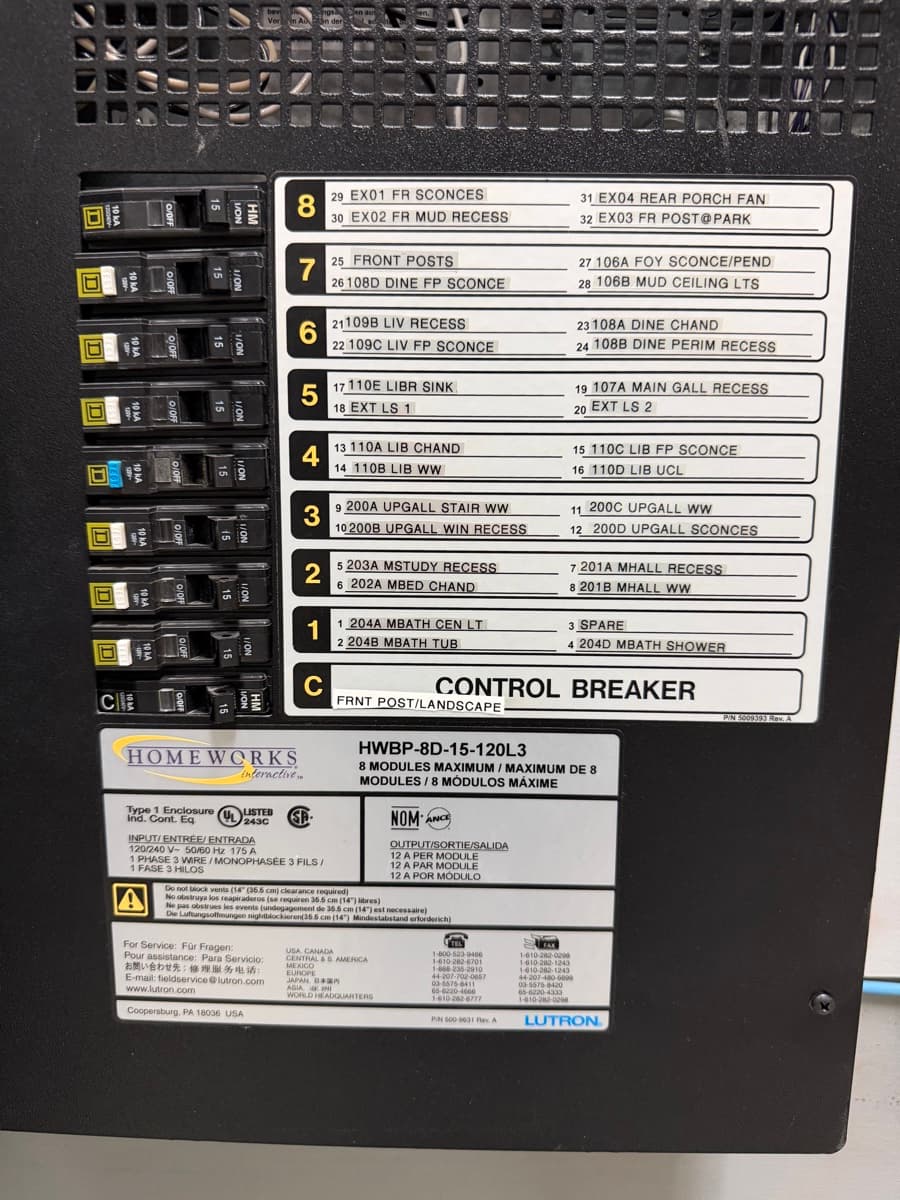
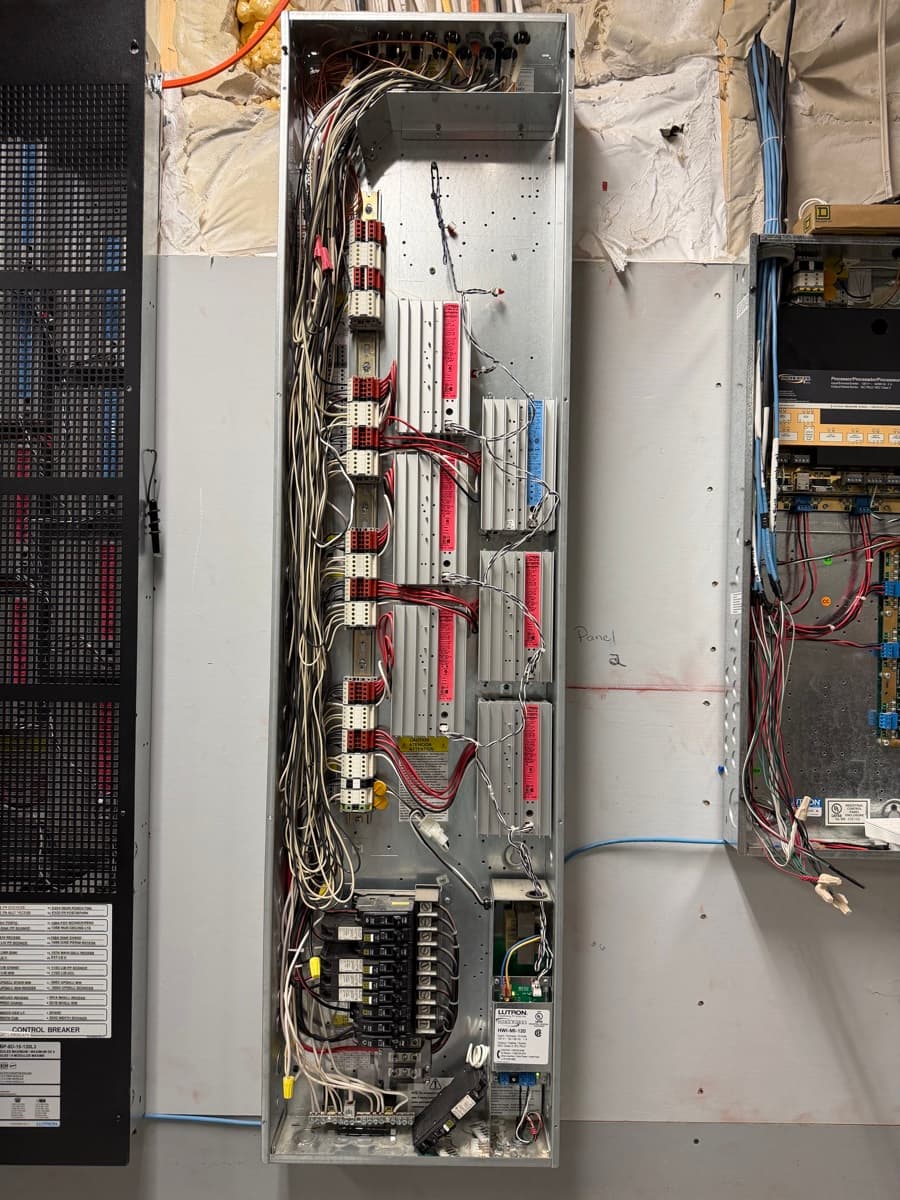
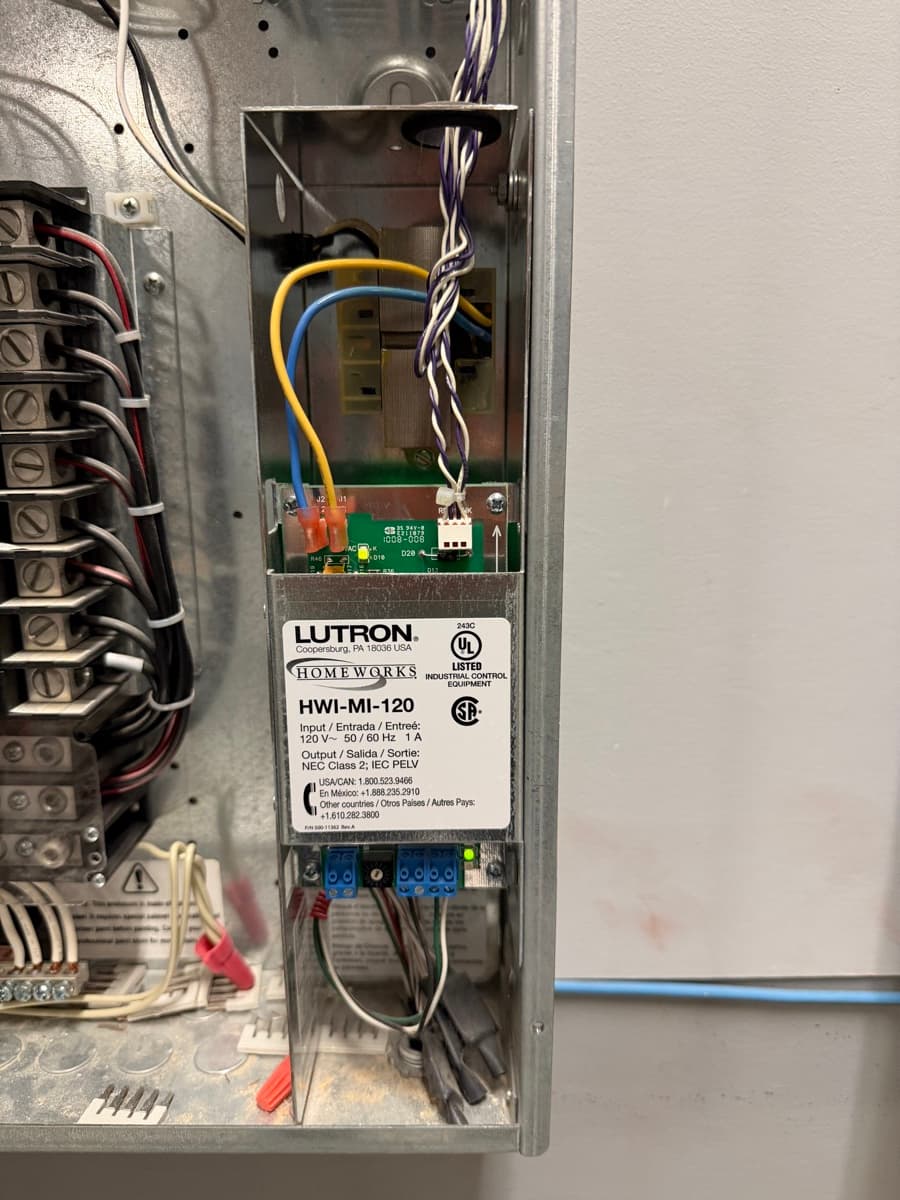
Aging HomeWorks Illumination hardware — control panel, dimming modules, and interface module.
What All Five Signs Have in Common
Every symptom on this list traces back to the same root cause: aging hardware running on a discontinued platform. Lutron builds exceptional products, but the HomeWorks Illumination and RadioRA 2 platforms were designed 15-20 years ago. Their processors, dimming modules, and communication protocols were engineered for a different era.
The modern replacements — HomeWorks QSX and RadioRA 3 — solve every one of these problems. Cloud-backed programming eliminates the single-processor risk. Current-generation dimming modules handle LED loads natively. Networked communication replaces the aging serial bus. And ongoing firmware updates mean the system improves over time rather than degrading.
If you are seeing one of these symptoms, your system is telling you something. If you are seeing two or three, the conversation is no longer about repair — it is about when to upgrade, not whether to.
Why Repair Is Not Always the Answer
For HomeWorks Illumination systems, repair is often not even possible. Lutron no longer manufactures replacement processors, and the secondary market for used processors is unreliable — you are buying someone else's aging hardware with no warranty.
Even when individual components can be replaced — a dimming module here, a keypad there — the repair only addresses one symptom while the rest of the system continues to age. A failing processor will eventually take out the entire installation regardless of how many dimmers you replace around it.
The most cost-effective approach is usually a planned upgrade that replaces the core infrastructure while reusing as much existing wiring and hardware as possible. A planned upgrade on your schedule is always better than an emergency replacement after a total system failure.
Seeing These Signs?
If your Lutron system is showing any of these symptoms, we can assess your current hardware and design an upgrade path that reuses your existing wiring and minimizes disruption. Most assessments take about an hour over video call.
Related Reading