Commercial · Conference Rooms and Boardrooms
Conference Rooms That Start When the Meeting Does.
One touch to join, a camera that frames the room, audio everyone on the call can hear, and lights and shades that set themselves. A boardroom in New York should work the same way every time, for the CEO and for the visitor.
Conference Rooms and Boardrooms
The Meeting Is the Test.
A conference room is judged in the first minute: whether the meeting starts, whether the far end can hear, whether the shared screen appears. Most rooms that fail do so for the same reasons: a platform the room was not built for, microphones in the wrong place, and a network nobody planned for video.
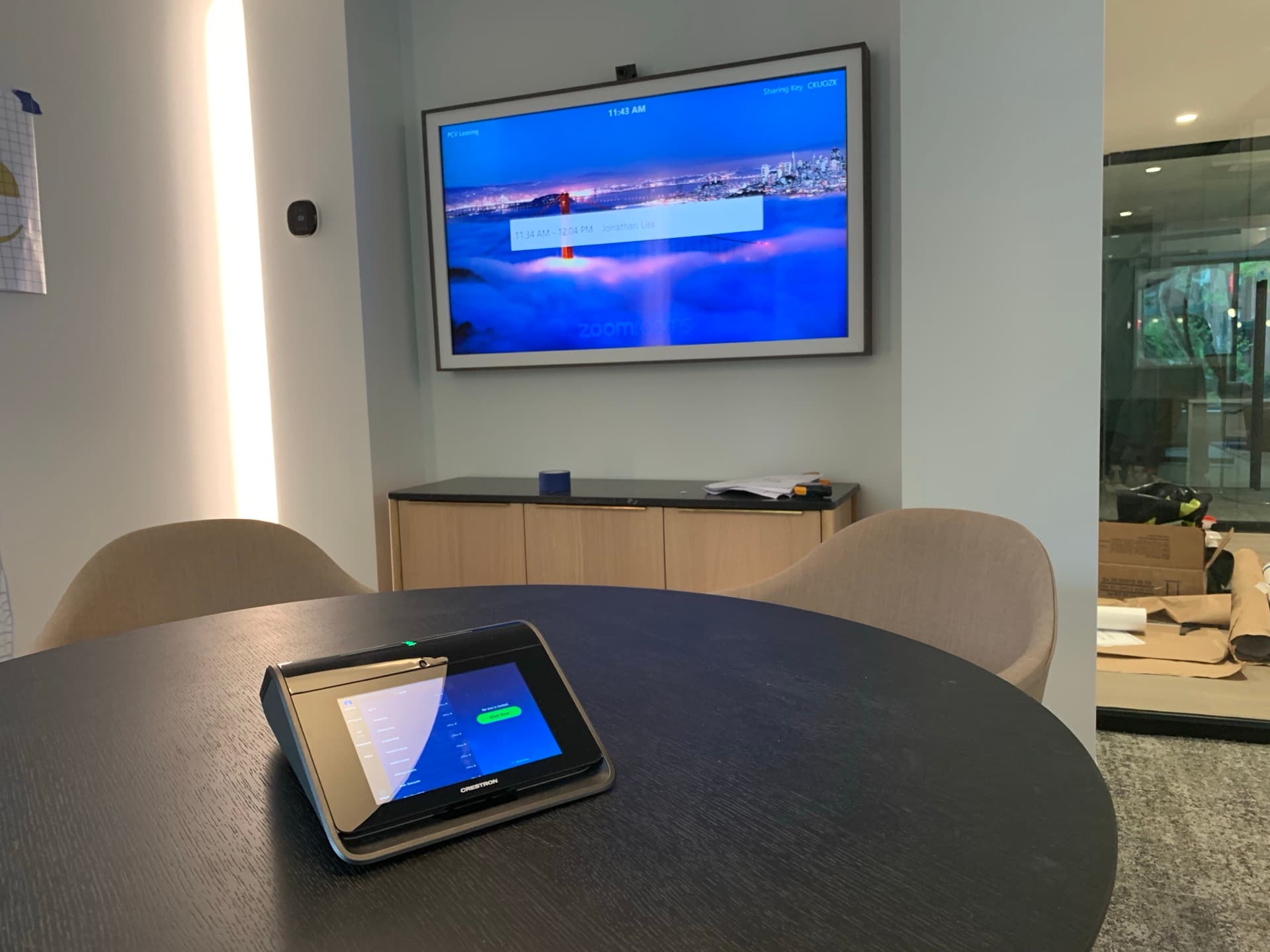
We start with the platform your company runs. Crestron Flex is built natively for Microsoft Teams Rooms and Zoom Rooms, and Crestron's control layer also integrates with Google Meet and Webex, so the room matches the company rather than the other way around. Then we design the audio for the room's surfaces, the display for the farthest seat, and the network for the call.
01 · Platform
Certified for the Way You Meet
Teams Rooms or Zoom Rooms on Crestron Flex, with certified cameras and microphones and one-touch join from the room's calendar. Where the company runs Meet or Webex, the same Crestron touch panel controls the room.
02 · Audio
Heard at the Far End
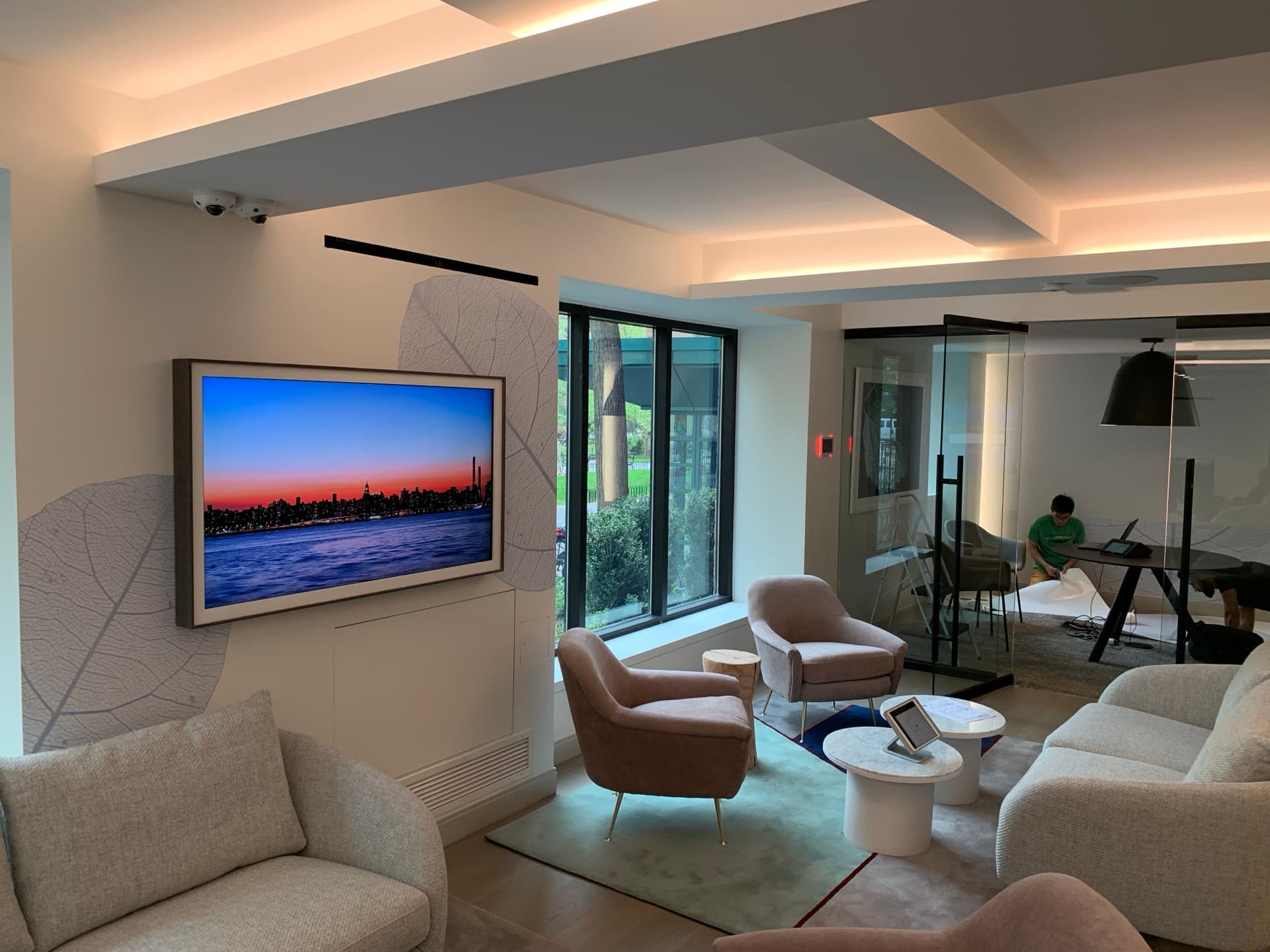
Glass walls and stone tables make a room ring. We place ceiling or table microphones for the seating, tune the processing for the surfaces, and test from the far end of a real call before handover.
03 · Room
Lights, Shades, Scheduling
Lutron lighting and shades follow the meeting: presentation, video call, or daylight. A scheduling panel at the door shows who has the room, and occupancy sensing turns it off when everyone leaves.
At a Glance
The conference room in brief.
- Crestron Flex
- Crestron Flex supports Microsoft Teams Rooms and Zoom Rooms natively, on Android or Windows depending on the model.
- Certification
- In May 2024 Microsoft certified Crestron Flex Pods and all four Crestron 1 Beyond cameras for Teams Rooms. Microsoft's certification covers hardware design and performance; it does not by itself guarantee every feature.
- Other platforms
- In July 2024 Crestron extended its control solutions to integrate with Google Meet and Cisco Webex alongside Zoom Rooms and Microsoft Teams Rooms.
- Energy code
- The New York City Energy Conservation Code requires occupant-sensor lighting controls in conference rooms, along with enclosed offices, classrooms, copy rooms, and break rooms.
Sources: Crestron, Crestron Flex; Crestron, Microsoft Teams Rooms certification for Flex Pods and 1 Beyond cameras (May 2024); Microsoft Learn, Teams Rooms certified systems and peripherals; Crestron, control solutions for more UC platforms (July 2024); NYC Department of Buildings, Energy Code lighting module; Lutron, NYCECC 2020 lighting-control code poster.
Reading on Conference Rooms and Boardrooms
Guides and related work.
- Designing a Manhattan boardroom →
Displays, audio, and control for the room where the board meets.
- Standardizing Crestron Flex across an office floor →
- How to vet a commercial AV integrator in New York →
- An executive home office that works like a boardroom →
- Office lighting control and networks →
Questions About Conference Rooms and Boardrooms
Conference Rooms and Boardrooms, Answered
Who installs conference room AV in New York?+–
Cave Group does. We are a Crestron Elite Gold Partner and Lutron Gold Dealer with a New York office in Long Island City, and we design, install, and support conference rooms, boardrooms, and training rooms across Manhattan, Brooklyn, Queens, and the metro.
Should our rooms run Microsoft Teams Rooms or Zoom Rooms?+–
Whichever your company already uses for meetings. Crestron Flex supports both natively, and we standardize one room design for the platform, so every room on every floor behaves the same way. If the company runs Google Meet or Webex, Crestron's control layer integrates with those, too.
Why does the far end struggle to hear us?+–
Usually because the microphones are in the wrong place for the seating, or the room's hard surfaces are reflecting the sound. We place the microphones for the table, tune the audio processing for the room, and test from the far end of a real call before handover.
Can you standardize every room across our floors?+–
Yes. We design a small number of room types, huddle, conference, and boardroom, with the same touch panel, the same join button, and the same support plan, and roll them out floor by floor, so staff learn one system and IT supports one system.
Who supports the system after it is installed?+–
We do, remotely first. Cave Watch monitors the network, the AV, and the lighting control, fixes most faults without a visit, and schedules a technician from our Long Island City office when one is needed. The support agreement names response times, what your staff handle, and what we handle.
Start Here
Walk the Space With Us.
Bring the floor plan if it is a fit-out, or the list of what no longer works if you are in it. We will tell you what we would do, in what order, what it would take, and how we keep the business running while we do it.
Start a Projector call · +1 (888) 712-2283 · [email protected]